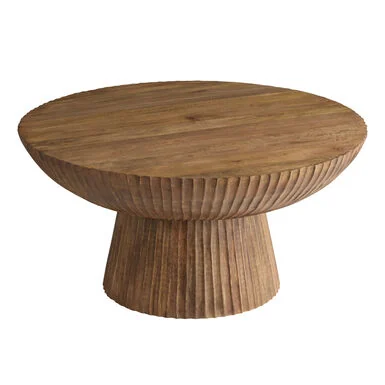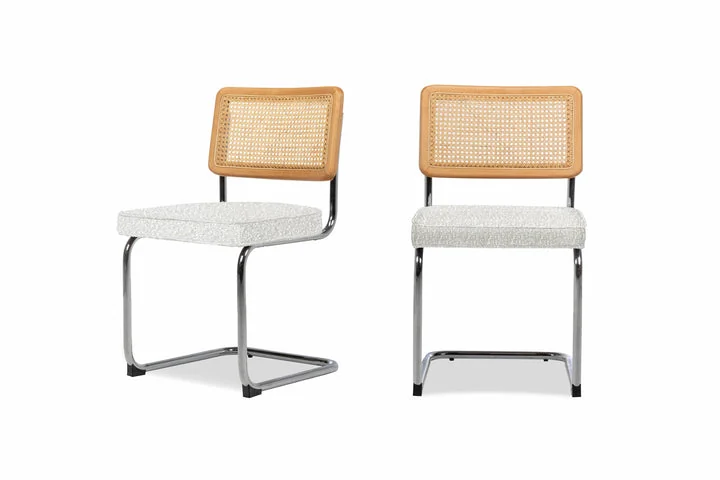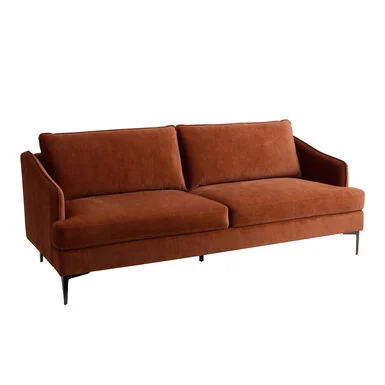
Find dupes as you shop.
Install the web app on your home screen or add a bookmark that searches from the furniture page you’re already browsing.

Install the web app
Open the finder directly from your home screen, Dock, or app launcher.
Installation steps
- iPhone or iPad
- In Safari, tap Share → Add to Home Screen. Turn on Open as Web App if shown, then tap Add.
- Safari on Mac
- Choose File → Add to Dock and confirm.
- Chrome or Edge
- Choose the install icon in the address bar, or open the browser menu and look for Install this site as an app or Add to home screen.
Search from a product page
Save this shortcut on your desktop. Click it from a public furniture listing to search for similar pieces in the same tab.
Drag to your bookmarks bar, or click to copy.
Add it manually
- Create a new bookmark in your browser and name it Find furniture dupes.
- Copy the shortcut below and paste it into the bookmark’s address field.
- Open a furniture listing and select the bookmark. You can also paste the item link into the finder.